Drop it. Share it.
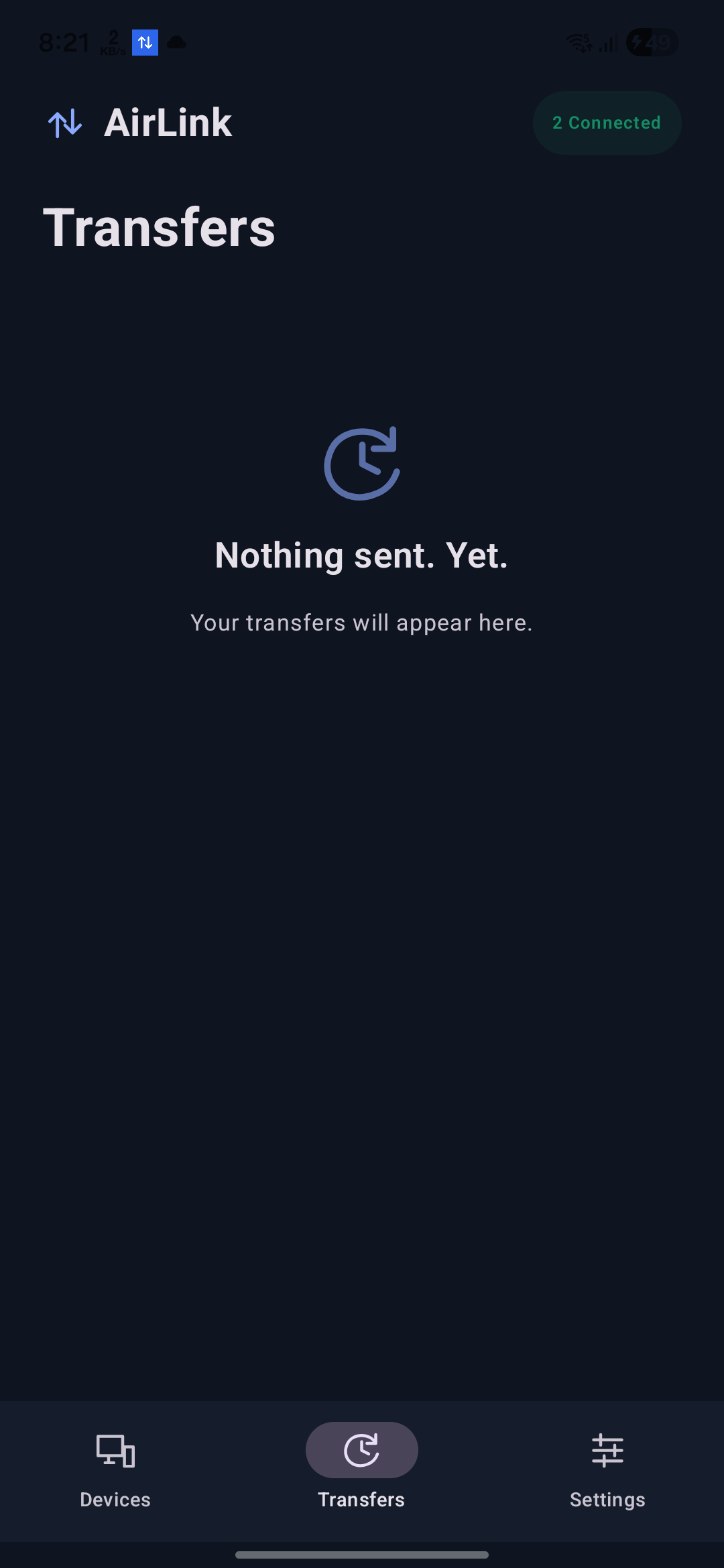
Send through a file picker, drag and drop, or Android’s share menu. Keep progress, previews, and received files together in Activity.
Move files, photos, and copied content between your devices. Directly over your local network, with no cloud relay.
Made for Mac ↔ Android and Android ↔ Android.
Send through a file picker, drag and drop, or Android’s share menu. Keep progress, previews, and received files together in Activity.
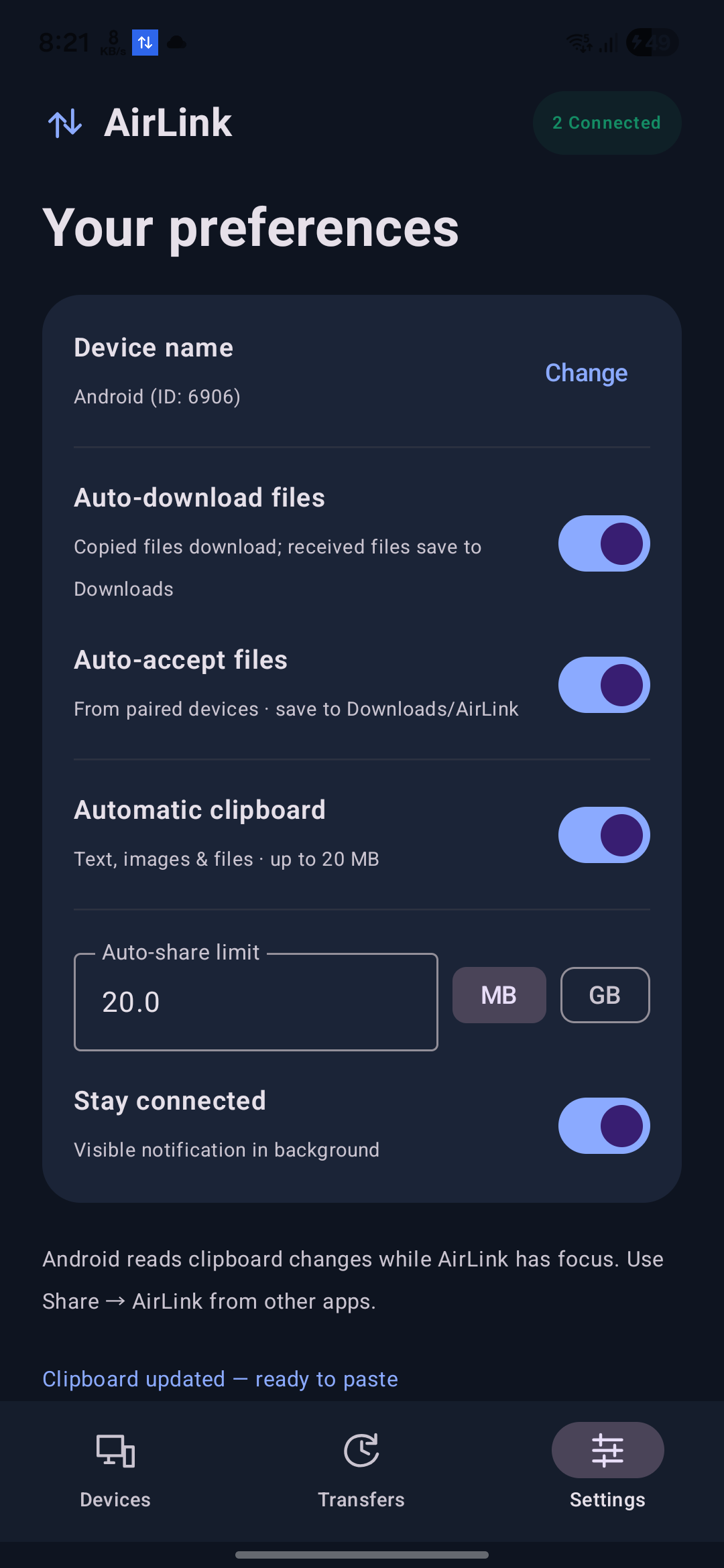
Sync supported copied content with paired devices. Android sends clipboard changes while AirLink has focus; use Share from other apps.
Choose automatic acceptance, downloads, and your copied-file size limit in MB or GB. Saved files go to Downloads/AirLink.
AirLink is designed around the devices you choose to pair. No account to create. No files passing through a cloud relay.
Read the setup guide →Real captures from AirLink on Android. Public images use generic device labels.
Android allows AirLink to read clipboard changes only while it has focus. Background receiving can continue through its visible connection service while Android allows it to run. To send from another app, use Android’s Share menu.
Yes. Choose a copied-file limit from 1 MB to 1,000 GB. Available storage and network connectivity still apply. Text and inline clipboard images retain a separate 20 MB limit.
Verified files save to Downloads/AirLink when automatic downloads are enabled. Turn this off to choose Download or Save in Activity. File pasting works in apps that accept file clipboard formats.
No. AirLink sends app content directly between paired devices. This website uses Firebase Hosting, separately from the app’s local sharing. Read our privacy policy for details.
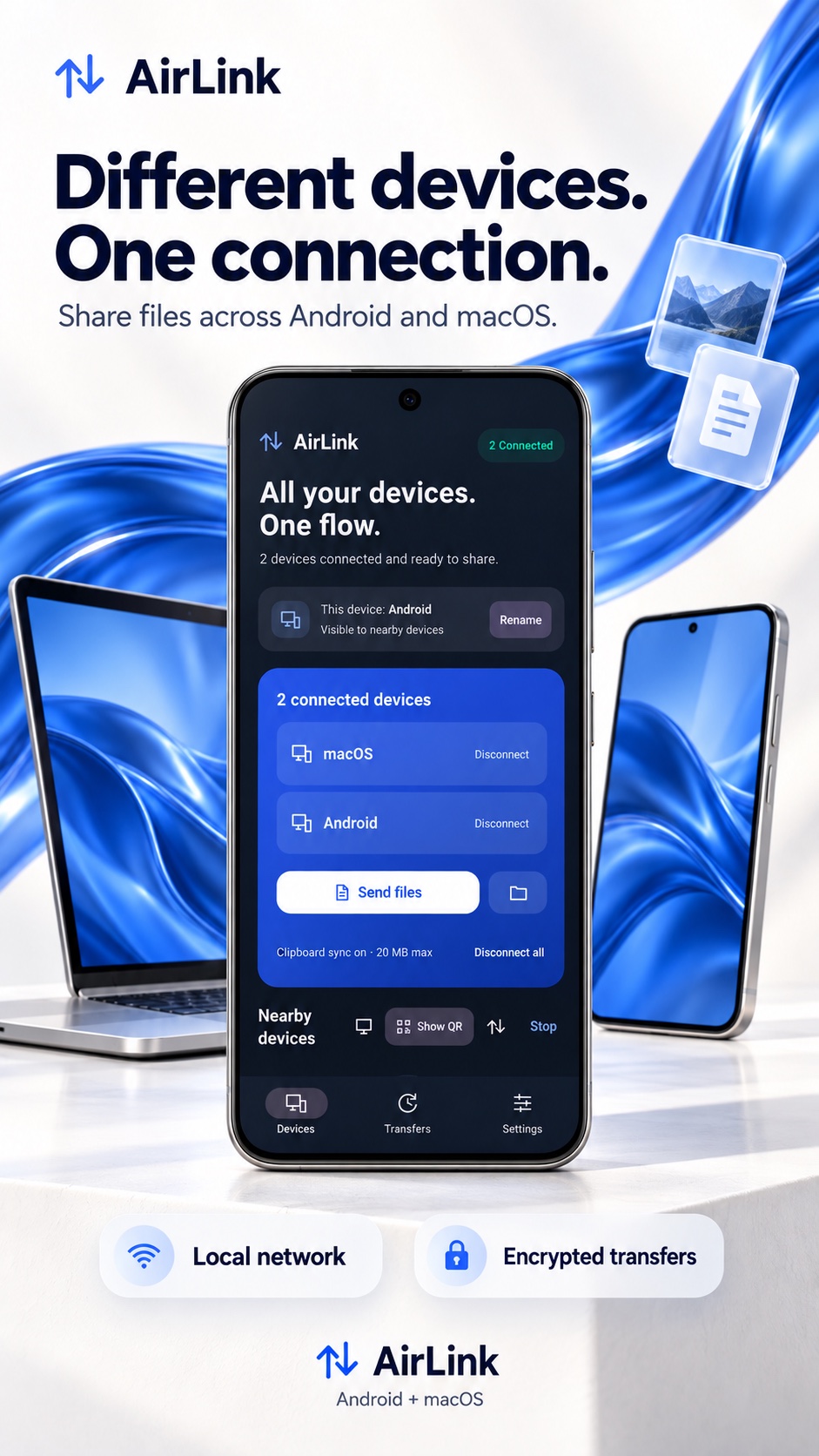
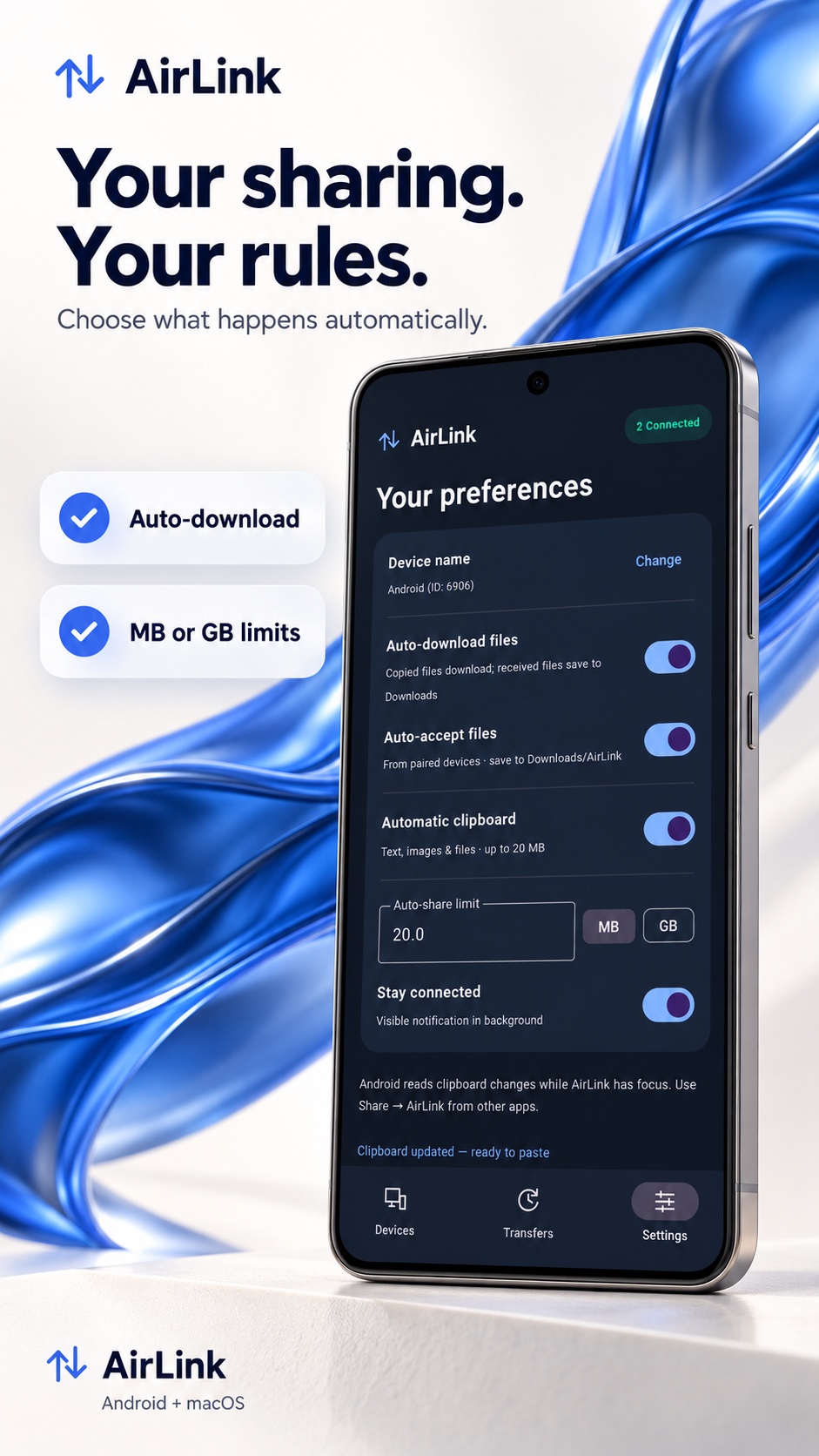
Promotional illustrations based on AirLink. Genuine Android captures are shown above.
AirLink is in development for Android and macOS.
Download links will appear here once the releases are available.